


A non-destructive yet disruptive technology framework to keep your “system of records” and “system of agility” in harmony
OpenLayer requires no application or database development and creates no footprint on your servers and/or user devices.



Instantly Access Legacy System Any-Where-Any-Time from Any Web enabled Device for a personalized User Experience.
Full System-Wide access via RESTful API to help create native apps, Cloud Interfaces and to Integrate with modern applications.

Unified User Experience (UX) for all your diversified applications. Keep all your diversified applications in harmony.


Gartner equips executives across the enterprise to make the right decisions and stay ahead of change.
Gartner® Likes OpenLayer!
OpenLayer has been featured in Gartner’s special reports and analyst presentation at AADI.
Gartner AADI Conference Presentation
Gartner Application Architecture, Development & Integration Summit
08 – 09 June 2020 | InterContinental London – The O2, London, UK
PROplus Technology – OpenLayer featured at Gartner AADI London conference in a presentation by VP Analyst Massimo Pezzini.
Fundamentals of Integration, Why It Is Important and How You Tackle It
Presenter: Massimo Pezzini, Distinguished VP Analyst, Gartner.
Presentation Highlight:
In the digital era, it is increasingly evident that the ability to integrate with each other, applications, data, API, cloud services, mobile devices, “smart machines,” business partners and IoT devices are a critical competency for organizations. Nonetheless, many application leaders still do not know how to effectively deal with it. This session will discuss the key principles, patterns, architectures, technologies and organizational models help them address the pervasive integration challenges they will have to face throughout their digital journey.
The AADI Summit is focused on dual priorities, exploring the latest approaches to optimize existing applications and infrastructure as well as leading-edge technologies driving business transformation.
Cancelled due to Covid19.
Gartner Special Report
Technology Insight for Integration SaaS
Analyst(s): Massimo Pezzini
Summary:
Integration SaaS is a new class of offerings that many application leaders responsible for integration are not yet familiar with. As you plan to modernize your integration strategy, consider incorporating iSaaS into your hybrid integration platform to facilitate citizen integrators.
Gartner Special Report Document ID: G00317076
Gartner Special Report
Market Guide for Application Integration Platforms
Analyst(s): Eric Thoo | Massimo Pezzini | Keith Guttridge | Elizabeth Golluscio
Summary:
The Application integration technology market is adapting to digital business requirements. A mix of mature ESB suites and emerging iPass and iSaas based offerings provides broader options for application leaders to modernize integration infrastructure toward a hybrid integration platform.
Gartner Special Report Document ID: G00303867
Gartner Special Reports: Providing actionable insights into major trend
In a complex, uncertain and volatile world, the pace of digital change is faster than ever. Looking ahead is critical to success. These reports provide insights into major business and technology trends that will help you stay ahead and make smarter decisions for your organization.

Thank You
Gartner!
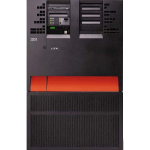
Legacy
Existing Monolithic System
It just works!
Leading application strategies into the next decade.
The future of applications depends on effective legacy modernization as much as innovation.
The latest approaches to optimize existing applications and infrastructure as well as leading-edge technologies driving business transformation must be explored. We must implement the strategy that leverages agile, DevOps, APIs, microservices and more to take your application strategy to the next level.
Research shows that more than 70% of mission-critical business “system of records” still operate on monolithic legacy systems such as mainframe, iSeries, and other dated client-server technologies. Not only these systems have very complex and undocumented code, they are also extremely efficient. Research reveals that mainframe takes about 68% of the world’s production workload with only 6.2% of total spend.
Study shows that 70% of projects have schedule overruns and 59% of such undertakings have budget overrun, with an astonishing 1-in-6 has a budget overrun of more than 200%. Source: Quality management Institute
A staggering 70% of projects are unsuccessful.
Traditional approach is just not working.
We have to think “outside the box.”

Innovation
The world of APIs & microservices

Outside the box Thinking!
OpenLayer is an innovative, simple, no risk, and elegant solution to a very complex business problem. OpenLayer is an outcome of extensive “outside the box thinking” approach of PROplus team.
A non-destructive yet disruptive technology framework
for creating a bridge between monolithic “system of records” and modern “system of agility.”
OpenLayer is “future proof” as it can easily adapt to newer technologies as well to technologies of future that have not been invented yet.
We have to think outside the box.
Think information not data, with OpenLayer.
Focus on Actionable Information not data
OpenLayer is the next generation of integrating your application with Actionable Information without the need of Reverse Engineering of time-tested proven code and no risky database update.
Data Integration is messy and very risky business.

With OpenLayer, a disruptive technology, all legacy system can be accessed from any browser including mobile, instantly. OpenLayer encapsulates the user-centric interface into APIs for a seamless, real-time integration between legacy and cloud and ESB.
The Nexus of Forces has made traditional application architectures obsolete, and digital business demands more agility than ever. OpenLayer architecture empowers development teams who must adapt to support modern requirements.
OpenLayer prepares organizations for cultural disruptions by exploiting the existing technologies and bridging them to the modern technologies.
with a ZERO Footprint on the Server.
Technology Debt?
Transform your technology debt into Technology Asset with OpenLayer!
OpenLayer is Validated by IBM®
IBM has validated OpenLayer and certified to be
“Ready for PureSystems.”
OpenLayer, Your Bridge to the Cloud, prepares organizations for cultural disruptions by exploiting the existing technologies and bridging them to the modern technologies. With OpenLayer, enterprise can reap the benefits of “low Hanging Fruit” without taking the “Burning Platform Approach.”
OpenLayer is available for all IBMi (aka iSeries, AS/400) and all IBM mainframe systems as business server and can be adapted easily to work with any client-server system.
OpenLayer is also available at IBM Global Solutions Directory.
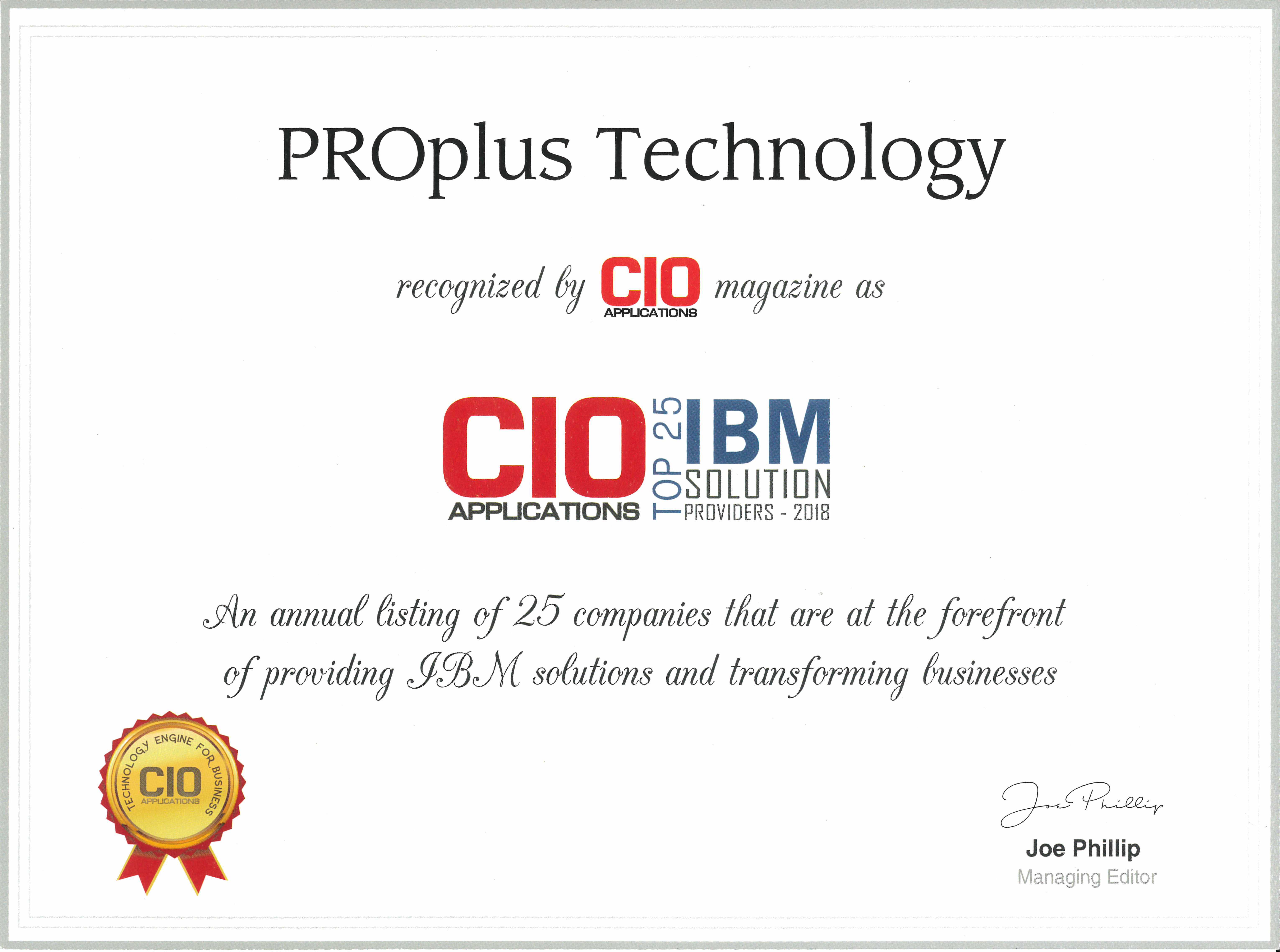
CIO Applications Magazine Names “PROplus Technology Inc” among Top 25 IBM Solution Provider
PROplus Technology Inc has been named one of the top IBM solutions providers for 2018 by CIO Applications, an independent technology magazine that specializes in enterprise solutions. The list includes 25 companies that are at the forefront of providing unified communication solutions that are impacting the marketplace. Read the full PROplus Technology Inc story at CIO Applications Magazine Here.
According to its website, “Considering the variety of IBM solutions available for different business problems, it becomes an uphill task to select the apt solution provider from a multitude of players. To help CIOs, CTOs, and CEOs find the right IBM solution provider for their enterprise, our distinguished panel comprising CEOs, CIOs, VCs, and industry analysts along with CIO Applications’ editorial board, has scrutinized and arrived at the leading IBM solution providers. These technology vendors demonstrate a clear-cut methodology and offer outstanding customer services in the IBM arena.
We present to you CIO Applications’ “Top 25 IBM Solution Providers – 2018.” Read full article here.
Transform to the World of Microservices
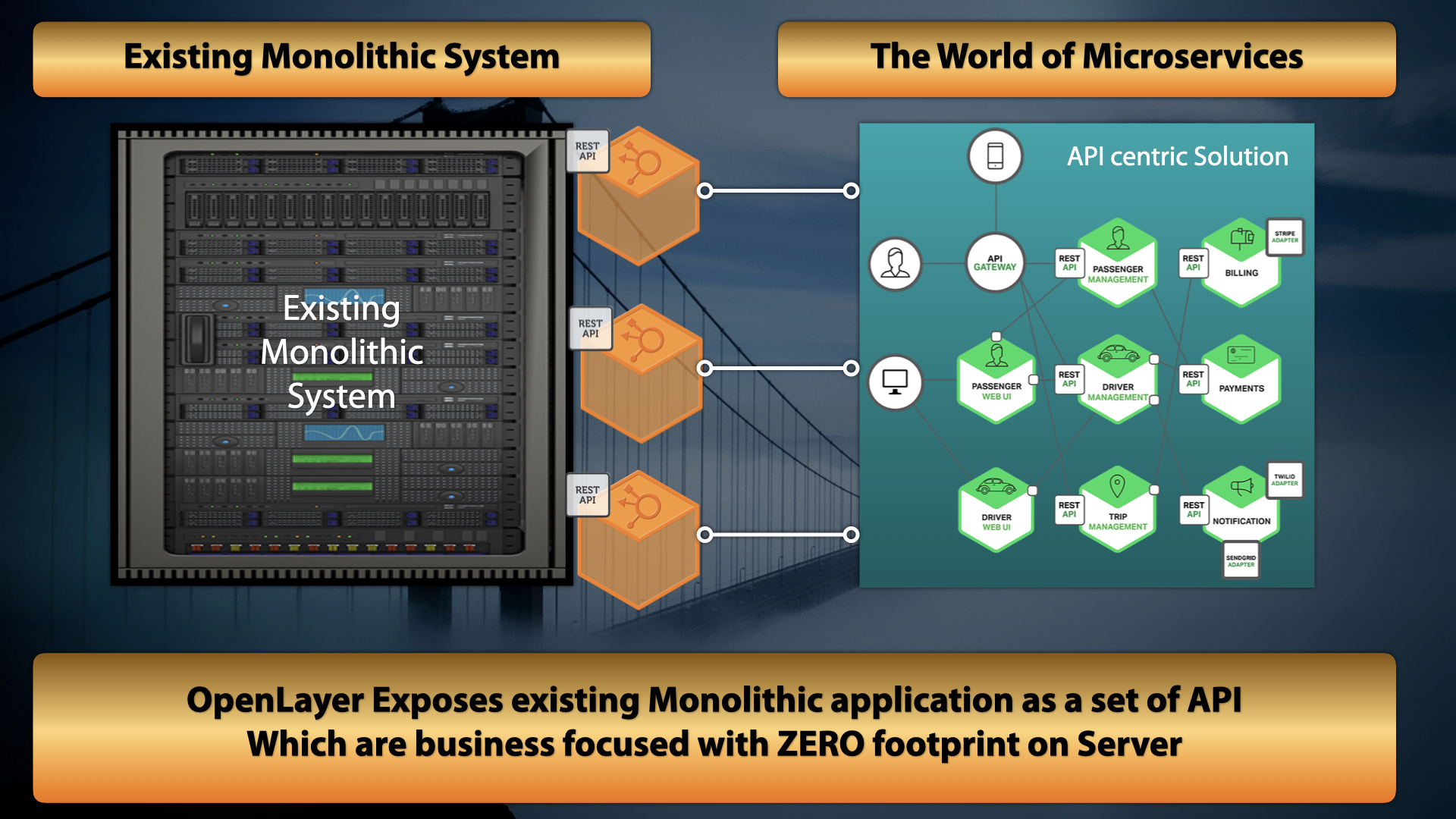
As organizations look to increase business efficiencies and improve service to their customers, they have to turn to a solution that does utilize the existing time tested business logic, as is used by the user, by implementing innovative solutions.
OpenLayer, is built upon the Innovative Process Automation (IPA) and provides a mechanism that encapsulates any existing business transaction and exposes it as an API.
OpenLayer has a ZERO footprint on the server & client device. Any changes in the server are utilized by OpenLayer instantly.
With OpenLayer, Business people are in the driver seat.
A true Citizen Integration Solution
The explosion of cloud, mobile and social technologies has placed an unprecedented burden on IT departments to integrate and connect an increasing number of business applications. At the same time, business users are realizing the significant benefits that application integration can provide in terms of increased productivity and streamlined workflows. As a result, they demand a solution that can keep up with the rapid pace of innovation and projects on which they are working. Without a strategic solution put in place by IT, business users will look to create their own integration solutions, often outside the visibility of an organization’s IT department.
Both business users and IT departments are left feeling frustrated, and the bottlenecks created often result in lost business and revenue. Gartner has recently coined the term “Citizen Integrator” to refer to business users taking integration into their own hands. By strategically fostering citizen integration, IT can enable business users to automate connections themselves; saving valuable resources and ensuring users have what they need – when they need it. In addition, this grants IT professionals the ability to focus on strategic initiatives.
About OpenLayer

Configurable UI
OpenLayer supports a robust User Experience (UX). , Personalized for user, group, and system.

No Code Changes
OpenLayer preserves all existing application business logic. No Application nor Database coding is required.

Secure Experience
OpenLayer is secure with no cache on client as well as integrates with your own trusted corporate security framework.

Enables SOA
OpenLayer brings existing trusted legacy application’s to Service Oriented Architecture (SOA) compliance.

Business Value
Learn about the business challenges that the OpenLayer framework addresses.

Process Optimization
Gain an understanding of how OpenLayer transforms your Business Process efficiency.

Technology Architecture
Learn about OpenLayer’s innovative technology design and architecture.

Product Foundation
Gain a solid understanding of OpenLayer’s easy user interface and design.
OpenLayer Resources

OpenLayer
Product Videos

Technical
Documentation

Use Case
Scenerio

 Schedule time with our team